

Running a lawn care, landscaping, or robotic mower installation business means juggling recurring routes, seasonal spikes, quotes, invoices, and customers who want to know exactly when you’re showing up. Field service management (FSM) software replaces the whiteboard, the spreadsheet, and the pile of texts with one system. This guide covers what FSM software does, how to pick the right platform for your size, and how the most popular providers compare. If you want a shorter primer first, start with our guide to choosing lawn care business management software. Short on time? Jump straight to our 60-second software finder quiz.
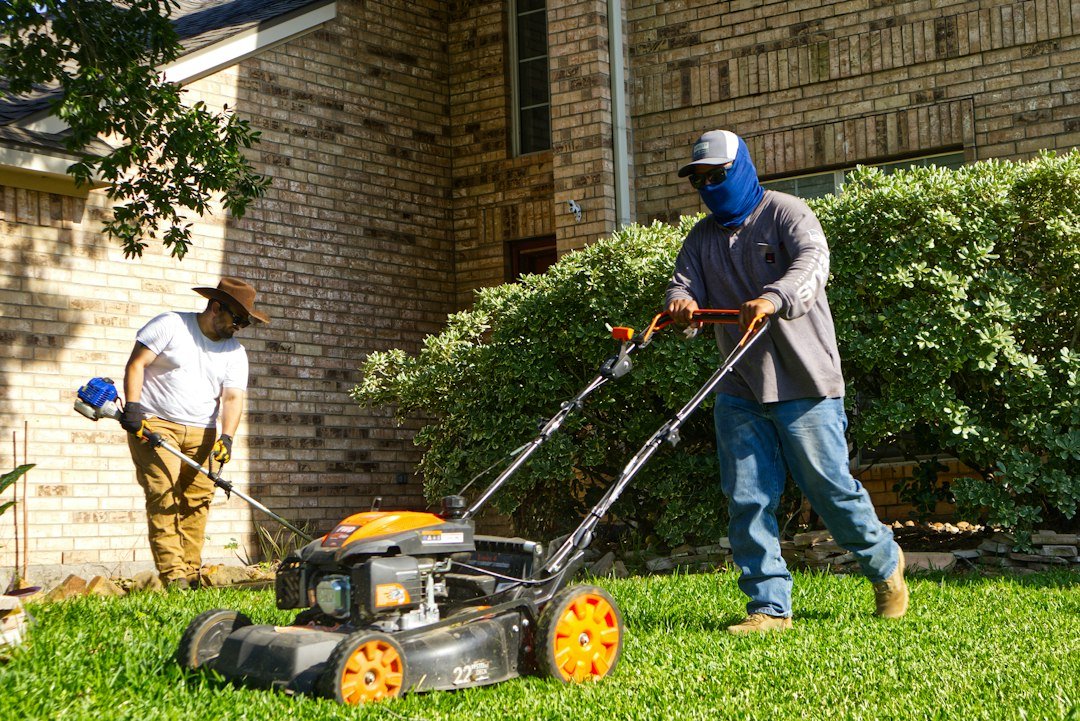
What Is Field Service Management Software?
FSM software is a cloud-based platform that helps you schedule jobs, dispatch and route crews, quote work, invoice customers, collect payments, and manage client communication from one place. It replaces the manual coordination that tends to break down once you run more than a couple of crews.
Some platforms are general-purpose tools built for HVAC, plumbing, and cleaning businesses that also work for lawn care. Others are built specifically for the green industry, with features like chemical application tracking, recurring route automation, and budget-based estimating.
Features That Matter Most
Scheduling and dispatch. A drag-and-drop calendar, recurring job templates, and crew assignments are the baseline. For weekly mowing routes, recurring scheduling is the feature you’ll use every day.
Route optimization. Ordering stops so trucks waste less fuel and daylight adds up quickly across a season. Depth varies a lot between platforms.
Quoting and estimating. Simple platforms use price lists and templates. Landscape-specific platforms tie estimates to your real labor, material, and overhead costs so you know a job is profitable before you start it. To sanity-check your numbers, try our lawn mowing cost calculator.
Invoicing and payments. Look for automatic recurring invoices, card-on-file billing, and payment reminders. Also check the processing fees, which are separate from the subscription.
Mobile app and offline mode. Crews work in yards with spotty service. Many premium platforms offer an offline mode that lets technicians log notes, complete checklists, and record timesheets, then syncs when a connection returns.
Accounting integration. Most of the top lawn care platforms integrate with QuickBooks. The quality of that sync varies, so test it during your trial.
Automation and marketing. Appointment reminders, quote follow-ups, review requests, and seasonal campaigns can save hours of office work each week.
Chemical and treatment tracking. If you offer fertilization or pest control, you need application records and compliance features. This is a real dividing line between platforms.
How to Choose: Start With Your Bottleneck
The most useful advice in this category is to decide what is actually costing you time. If the bottleneck is the office side (chasing payments, sending quotes, customer communication), lean toward Jobber or Service Autopilot. If it’s the field side (dispatch, crew time, payroll accuracy), lean toward a tool with stronger GPS and time tracking. If it’s bid accuracy on commercial work, lean toward LMN. Most owners eventually end up running two tools: one for the customer-facing side and one for crew operations.
A rough guide by business type:
- Solo operator or one crew: a simple, low-cost platform, or a free tier to start.
- Two to five crews with recurring residential routes: a mid-priced platform with strong scheduling, routing, and automated invoicing.
- Large recurring operations (or chemical programs): a route-and-automation platform built for the green industry.
- Design-build or commercial landscape contractors: an estimating and job-costing platform.
Provider Reviews
Prices below are approximate and change frequently. Sources disagree, and vendors adjust plans and promotions often, so confirm on each vendor’s pricing page.
Jobber
Jobber is the most widely recommended starting point for small lawn and landscape businesses. It’s known for having one of the cleanest mobile apps in the space, an easy learning curve, and a strong client portal with automated payments. Reviewers also praise its customer communication tools, flexible drag-and-drop scheduling, and affordable entry pricing. We covered it in depth in our 6-month Jobber review.
The tradeoffs are depth and cost creep. It lacks the advanced marketing automation of enterprise competitors, and its routing is less robust than specialized tools. Per-user fees also stack up quickly once you pass the seats included in your plan.
Pricing: Entry pricing sits in the roughly $39 to $49 per month range for a single user on monthly billing, with higher tiers climbing to around $199 for the Grow plan and $599 or more for Plus. Extra users beyond a plan’s cap cost about $29 per month each. Card payments through Jobber carry a fee of 2.9% plus 30 cents per transaction.
Best for: solo operators and small crews who want to get organized quickly.
Housecall Pro
Housecall Pro is a general home-service platform, and that generalist approach is both its strength and its limitation. Its standout features are built-in review requests, email and postcard marketing campaigns, and an online booking page, though it isn’t lawn-care specific. For operators trying to grow a Google review count and win new residential customers, that marketing toolkit is a genuine differentiator. Read our Housecall Pro review for a hands-on take.
Pricing: The Basic plan runs about $59 per month billed annually ($79 on monthly billing) for a single user. Essentials is about $149 per month billed annually ($189 monthly) for up to five users, and MAX is about $299 annually ($329 monthly) for up to eight. QuickBooks sync and GPS tracking sit behind Essentials, which is a meaningful jump if accounting sync is a priority.
Best for: operators who prioritize customer acquisition and reviews over lawn-specific workflows.
GorillaDesk
GorillaDesk was built by former pest control and lawn care operators. It prices by route rather than by user and includes unlimited admin users on every plan, which suits recurring lawn schedules well. It’s strong on scheduling, automated reminders, invoicing, and routing, though its material logging is geared toward pest-control reporting rather than lawn treatment programs. Its mobile experience is also considered less refined than Jobber’s, with fewer third-party integrations.
Pricing: Plans start around $49 per month for Basic and $99 for Pro.
Best for: small to mid-sized recurring-route businesses that want predictable pricing.
Service Autopilot
Service Autopilot is a lawn and landscape route-business platform with a deep automation engine. It earns its money with a 3 to 25 person maintenance crew running high-volume recurring residential routes, where automated billing and dispatch pay for themselves.
The catch is complexity and cost. Reviewers call it the most powerful lawn care software you can buy for under $500 a month, and also one of the most complained about. The deepest automation sits in the top-priced tier, there’s a one-time signup fee, there is no free trial, and recent reviews trend down on glitches and support. Expect an investment of time up front.
Pricing: Published tiers run from about $49 per month (plus a signup fee) up to about $499 for Pro Plus.
Best for: established route businesses ready to invest in automation.
Real Green (by WorkWave)
Real Green targets larger green-industry operators, especially those running treatment programs. It’s generally seen as the right call for established mid-market lawn care companies with 10 or more employees, chemical treatment programs, and a dedicated office team. It’s overkill for solo operators or small crews. Pricing is custom-quoted, and implementation is heavier than with simpler tools.
Best for: mid-market lawn care companies with fertilization or treatment programs.
LMN
LMN is a budget-first landscape management platform. Its differentiator is budget-based estimating: the workflow starts with your annual budget for labor, materials, equipment, and overhead, then builds every bid to hit your margin targets. The company says it serves more than 3,000 North American landscaping companies. That makes it a strong fit for companies doing design-build, hardscape, or installation work alongside maintenance.
Its routing is less robust than highly specialized recurring-route tools. The scheduling interface also draws criticism from some users.
Pricing: Starter is about $297 per month and Professional about $648, plus an onboarding fee. Real-time job costing requires the Professional tier.
Best for: landscape contractors who need job-cost discipline and accurate bids.
Aspire
Aspire is an enterprise landscape operations platform. It’s aimed at companies with office staff, typically $1 million or more in revenue, and uses quote-based pricing. Implementation is heavy and pricing is gated, but for larger operations no other platform supports the full workflow as thoroughly. Small crews will almost certainly find it more than they need.
Best for: large commercial landscape and snow operations.
Yardbook
Yardbook offers a genuinely free tier built for lawn care and landscaping operators. The catch is usually caps on features, plus ads on the free plan, so it works best as a way for a solo operator to get off paper and test the waters before committing to a paid platform. Paid tiers run about $35 to $50 per month with no per-user fees.
Best for: brand-new or solo operators on a tight budget.
Honorable mention: QuoteIQ
QuoteIQ is a newer all-in-one option that markets aggressively on price and features like aerial property measurement. Plans start around $29.99 per month and scale to about $699 for unlimited users. See our QuoteIQ review and our head-to-head Jobber vs QuoteIQ comparison for more detail. Note that much of the comparison content online, including several sources for this guide, is published by vendors and affiliates with their own products to promote, so treat any “best overall” claim with healthy skepticism.
Quick Comparison
| Platform | Best for | Biggest tradeoff |
|---|---|---|
| Jobber | Solo and small crews | Per-user costs and lighter routing |
| Housecall Pro | Marketing and reviews | Not lawn-specific; key features on higher tier |
| GorillaDesk | Route-based pricing | Less polished app, pest-control roots |
| Service Autopilot | Recurring-route automation | Learning curve, support complaints |
| Real Green | Treatment programs, larger teams | Complexity and custom pricing |
| LMN | Estimating and job costing | Higher price, lighter routing |
| Aspire | Enterprise commercial | Cost and implementation weight |
| Yardbook | Free starter option | Usage caps and ads on the free plan |
A Note for Robotic Mower Installers and Service Providers
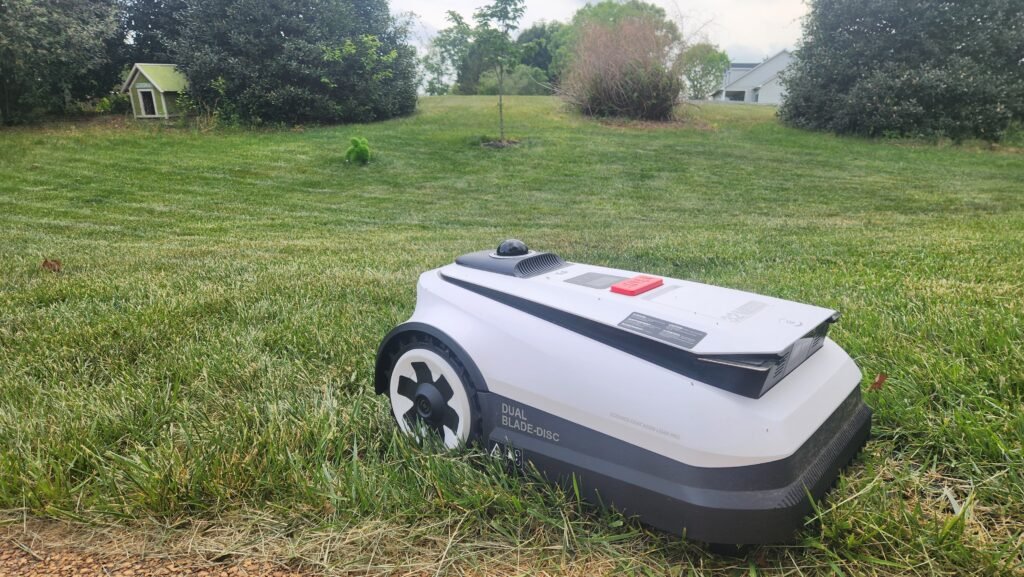
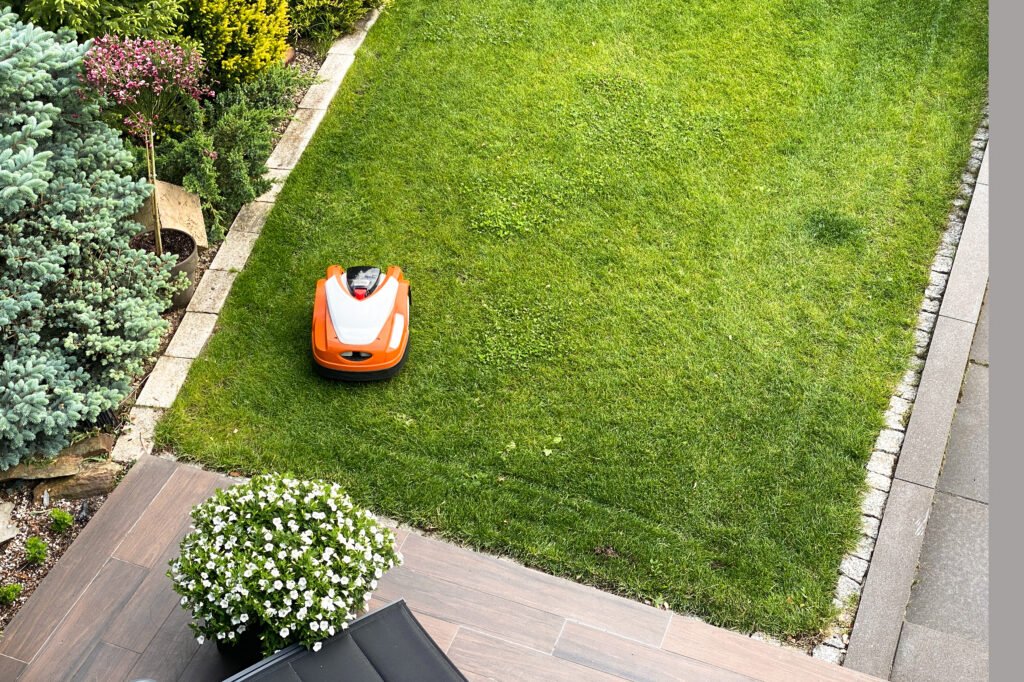
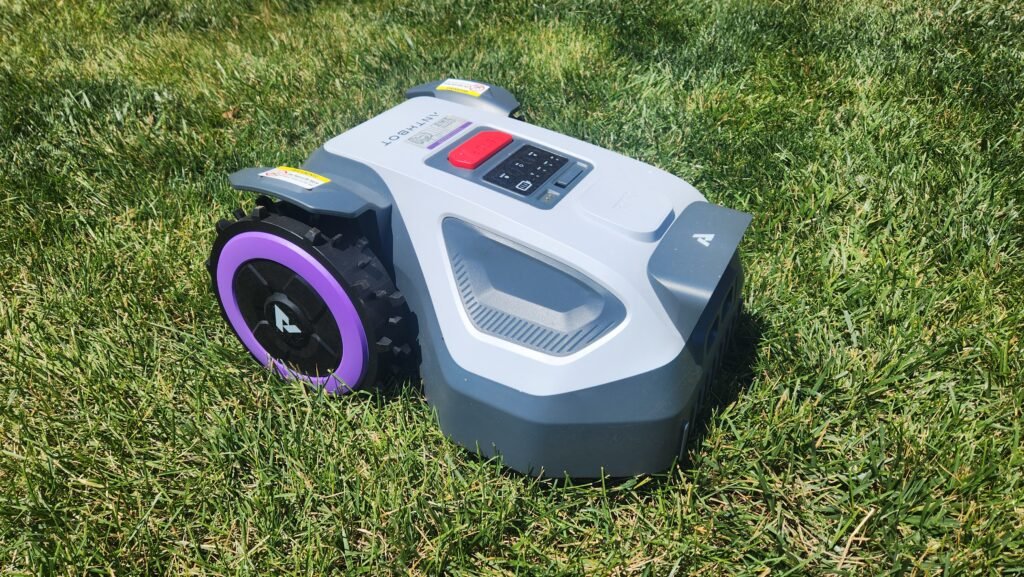
Robotic mowers are creating a new kind of service business: installation crews, seasonal maintenance providers, and dealers who handle setup, troubleshooting, and winter storage. These businesses look a lot like lawn care, but the work is different. Visits are less frequent, jobs are more technical, and each customer has a specific machine with a serial number and warranty history. If you’re helping customers pick a machine in the first place, our Robot Mower Finder is a handy tool to send them to, and our page on commercial robotic mowing covers the larger-property side of the business.
As far as I know, none of the mainstream platforms markets robotic-mower-specific workflows, so you’ll be adapting a general tool. When evaluating one, look for:
- Custom fields or job forms for mower model, serial number, boundary setup details, and installation notes.
- Photo attachments so you can document wire or antenna placement and station location.
- Recurring visit and reminder automation for spring startup, blade changes, and winterization.
- Quote templates for installation packages and maintenance plans.
- Simple payments and card-on-file billing for annual service plans.
For a small installer, Jobber or GorillaDesk is usually plenty. A dealer running many technicians and warranty work might lean toward something with deeper asset and history tracking.
Tips for a Smooth Rollout
Trial it during busy season if you can. A platform that seems fine in February will show its real character in June.
Test the QuickBooks sync early. Import a few real customers and run a full quote-to-payment cycle before committing.
Budget for the whole cost. Add up the subscription, extra users, add-ons, onboarding fees, and payment processing. Processing fees often grow with your revenue.
Get crew buy-in. The best software is the one your crew actually uses. A simple app that crews adopt beats a powerful one they avoid.
Plan the data migration. Clean up your customer list before importing so you don’t carry old mistakes into a new system.
Frequently Asked Questions
Do I need FSM software as a solo operator?
Not strictly, but even a free or low-cost tool helps with quoting, invoicing, and recurring schedules. It also makes you look more professional to customers.
Is there free lawn care software?
Yes, with limits. Yardbook offers a free tier, and most paid platforms offer free trials.
Can I switch platforms later?
Yes, and many businesses do as they grow. Major providers offer customer-list imports, but expect some cleanup work.
Which is best for a small residential lawn business?
For most, Jobber or GorillaDesk is the low-friction starting point, moving to a route-automation platform like Service Autopilot as recurring accounts multiply.
The Bottom Line
There’s no single best platform, only the best fit for your size, services, and biggest bottleneck. Solo and small-crew operators should favor simplicity and low cost. Growing route businesses should look at automation and routing depth. Landscape contractors doing bid-driven work should prioritize job costing. And robotic mower installers should pick a flexible, easy tool with custom fields and recurring reminders. Whatever you choose, trial it during busy season and test it with real jobs before you commit.









One thought on “Field Service Management Software for Lawn Care Businesses: The 2026 Guide”