


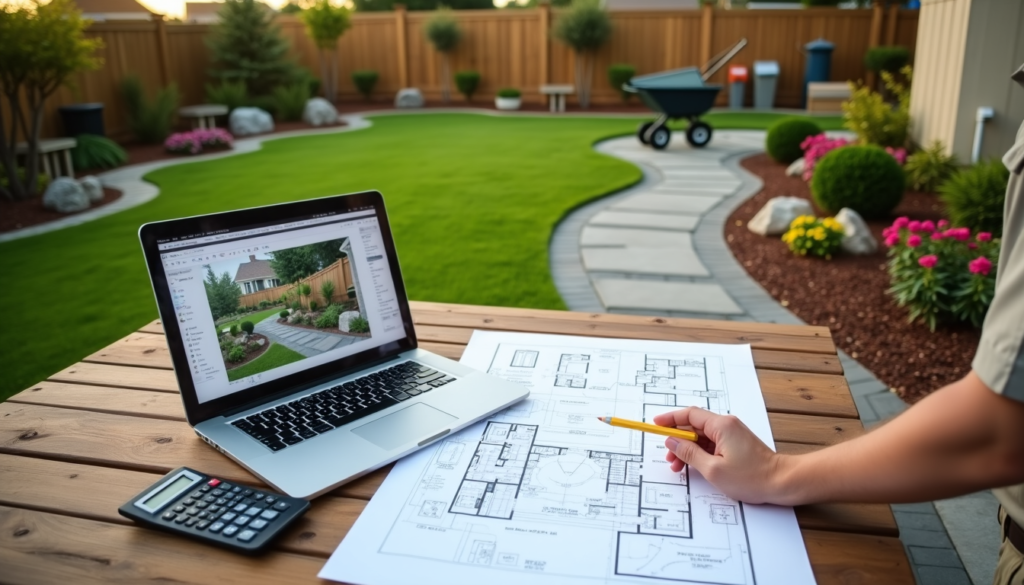
Designing your own outdoor space no longer has to involve a contractor, designer, or hired labor. With the right app or website, a trip to the plant nursery, and a bit of elbow grease, you can plan your yard from the couch and be your own landscaping boss. And in 2026, the toolbox is bigger than ever: alongside the classic drag-and-drop planners, a new wave of AI tools can redesign your yard from a single photo in about a minute.
Why Use a Design Program to Do Your Own Landscaping?
Digital landscape design tools make it easy to visualize different plants, textures, and structures in your space before you spend a dime. You can try different looks over and over until you’re happy with the result, then shop with a plan instead of guessing at the garden center. The cost savings versus hiring a professional landscape designer can be huge — though some online landscape design services are surprisingly affordable if you want a pro in the loop. For example, Path & Plant designs one yard for a flat $499 and includes a measured plan, a plant list for your ZIP code, and a line-item install budget with a contractor bid packet (read our review).
Quick Comparison
| Tool | Type | How It Works | Cost | Best For |
|---|---|---|---|---|
| Home Outside | Mobile app | Tap-and-drag 2D plans | Low-cost app | Simple overhead layouts |
| PRO Landscape Home | Mobile app | Place plants on your photo | Free with paid upgrade | Quick photo mockups |
| iScape | Mobile app | Plants and hardscape on your photo | Free; Pro $29.99/mo | Detailed plant selection |
| OutdoorBrite | AI web app | Upload a photo, get AI concepts | From $29/mo (no free tier) | Quick style inspiration |
| Gardena myGarden | Website | Drag-and-drop garden planner | Free | Beginners and sprinkler planning |
| BHG Garden Plans | Website | Downloadable ready-made plans | Free | Borrowing a proven planting plan |
Top 4 Landscape Design Apps
Landscape design apps range widely in cost and ability. Professional programs come with a steep price and learning curve, but there are plenty of affordable apps that help anyone design a great-looking yard, regardless of skill level. Settle on a budget first and it will be much easier to pick the right tool.
1. Home Outside
Home Outside is a simple tap-and-drag app for creating a basic plan of your landscape. Pop-up walkthroughs and tutorials guide you as you go. It isn’t the most user-friendly option, but it fits the bill if you want something basic and inexpensive.
You can place generic shrubs and trees into your design, though specific plant varieties aren’t available. A standout feature is the ability to work from an overhead view of your property, which helps you plan the layout of the whole yard rather than one corner at a time. Check your app store for current availability and pricing before you commit to it.
2. PRO Landscape Home
PRO Landscape Home is an easy-to-use photo-based design app. Upload a picture of your yard, then add plants, shrubs, and landscape materials from the app’s photo library directly on top of it. The free version includes a limited selection, and a one-time upgrade unlocks the full library.
Once your design is done, take it to your local garden center or use the app’s “Find a Professional” feature to hire help. It isn’t top-of-the-line software, but it does a decent job of getting your ideas sorted so you know where to start.
3. iScape
Of the traditional drag-and-drop apps, iScape offers the most variety of specific plants, shrubs, trees, and hardscape products. You can upload your own photo and design on top of it, or work in a 3D view to see your plan take shape.
The free version lets you try the app with a limited plant and product library and a cap on saved designs. iScape Pro unlocks the full database, your own uploaded images, and a proposal tool for $29.99 per month or $299.99 per year. That makes it a popular choice for professional landscapers who want to update a design and show it to a client on the spot.
4. OutdoorBrite
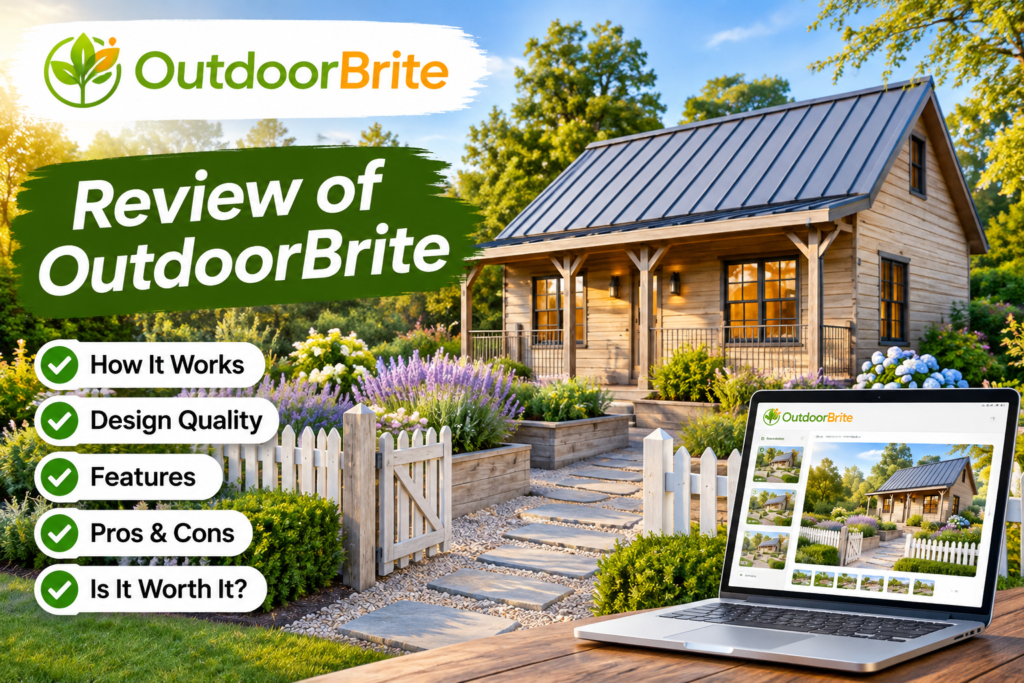
OutdoorBrite takes a different approach from the drag-and-drop apps above: you upload a photo of your yard, pick a space type and style, and AI generates redesign concepts of your actual property. It runs in a web browser rather than as a downloadable app. Keep in mind there’s no free plan or trial, with pricing starting at $29 per month, and the results are concept images rather than editable plans. See our OutdoorBrite review for a full walkthrough.

Top 2 Landscape Design Websites
If you’d rather work from a desktop browser than a phone, these websites are worth a look. Both are free, which makes them a great fit if you’re only planning to improve your own yard rather than designing multiple landscapes.
1. Gardena myGarden Planner
The Gardena myGarden planner is a free online tool with simple, drag-and-drop menus that make it an excellent option for beginners. You can draw your property in a hand-sketched style, start from one of several example gardens, and fill in your own shapes with design elements. The selection of plants and structures isn’t especially diverse, which can make it harder to picture the finished space.
Where it shines is irrigation. myGarden includes a built-in sprinkler planner that suggests a watering layout for your design and generates a free planning sketch and shopping list — handy if you’re adding beds or new turf that will need water.
2. Better Homes & Gardens Free Garden Plans
Better Homes & Gardens has retired its old interactive Plan-a-Garden tool, but the site now offers something many homeowners find even more useful: a library of free, downloadable garden plans. Each plan shows exactly which plants to use and where to put them, so you can borrow a proven layout — full-sun beds, low-maintenance borders, and more — instead of starting from a blank page.
Pair a BHG plan with one of the apps above to see how it would look in your own yard before you buy plants.
Professional Landscape Design Software
More in-depth programs include the Adobe suite, AutoCAD, and Vectorworks. All require subscriptions, ranging from around $20 a month to well over $1,000 a year depending on how detailed you need to get. Their features are far beyond what the consumer apps offer, including scaled drawings and construction-ready plans.
The tradeoff is a much steeper learning curve. If you want to start planning today and have a new landscape by the weekend, these professional programs probably aren’t the right fit — an app like iScape or PRO Landscape Home will get you there faster.
Choosing the Right Options for Your Landscape
Landscaping is all about using your space in a creative and visually appealing way, and with so many plants, colors, and textures to choose from, knowing where to start can be overwhelming. The easiest first step is deciding how much lawn you actually want to mow. If you’re planning to let a robot mower handle the grass, design for it: favor smooth, sweeping bed edges, avoid narrow lawn corridors, and keep patios and paths flush with the turf. Our Robot Mower Finder can help you match a mower to the yard you end up with. You’ll also want to set a landscaping budget for everything you plan to do.
If you don’t have much time to spend outdoors, a space with less grass and more planting beds, trees, and pavers may suit your lifestyle better. Trees are one of the fastest ways to enhance an area, and evergreens give you year-round structure and shade with no leaves to rake in the fall.
Choose plants that top out at the right height so they don’t block windows or crowd fences, and remember that flowers bloom seasonally — mix varieties so something looks good spring through fall. For more layout principles, see our simple rules for designing your garden.
Next Steps
Once you have a plan, it’s time to shop. Take your design to your local nursery or garden center, and don’t worry if they’re out of something — because these apps live on your phone, you can adjust the plan right there in the aisle.
With everything in hand, it’s time to get to work (or hire a pro landscaper). If you’re adding hardscaping, our guide to turning a simple lawn into an outdoor living space is a good next read. Avoid working in the heat of the day, drink plenty of water, and enjoy watching your new landscape come to life.

2 thoughts on “Best Landscape Design Apps and Websites for Homeowners (2026)”