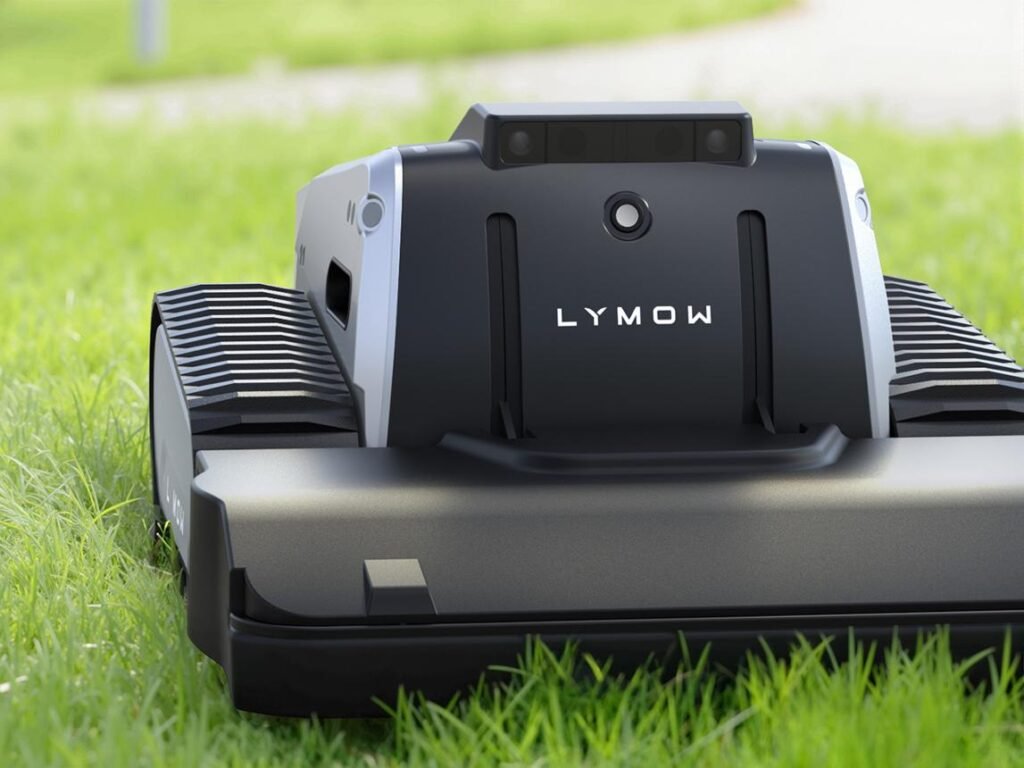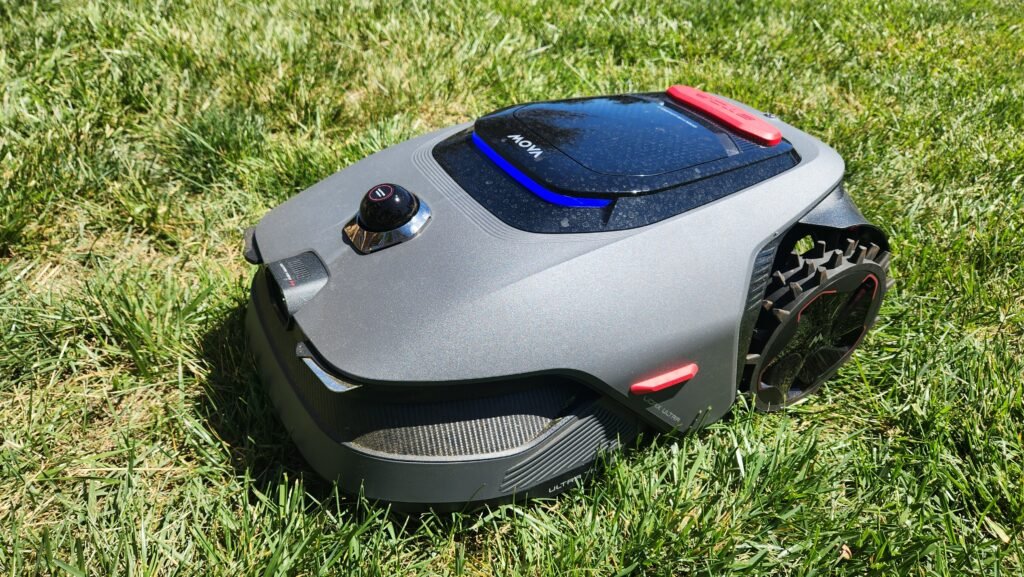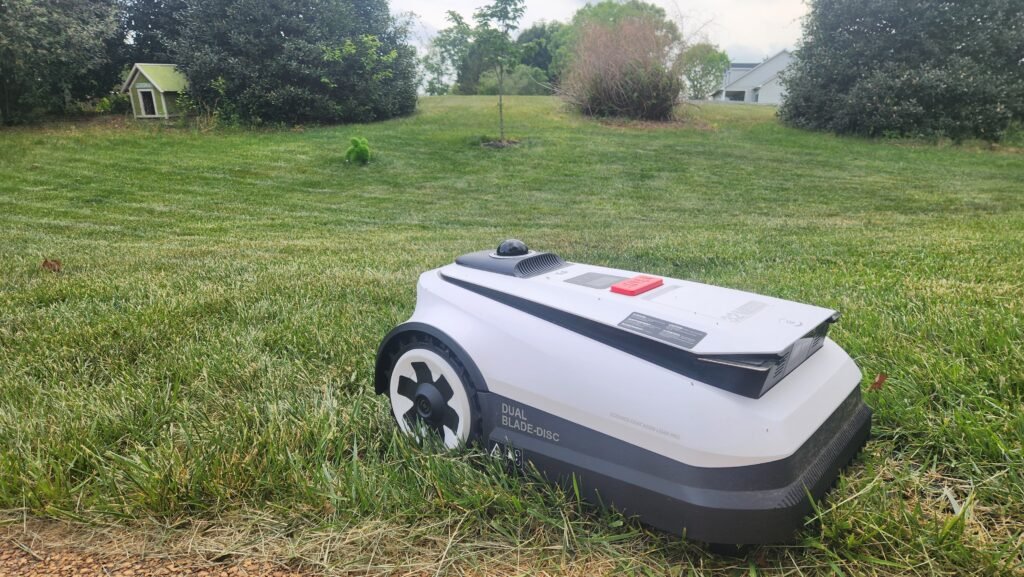

If your robot mower is heading back to its dock after twenty minutes, or quitting halfway across the lawn, the battery is the first suspect. The good news: on nearly every robot mower sold today, yes, you can replace the battery. It’s a sealed lithium-ion pack held in by a few screws and a plug, not a permanent part of the machine. Swapping it costs a fraction of a new mower and usually takes less time than mowing a strip of lawn by hand.
Below we cover how long robot mower batteries last, the signs yours is wearing out, what a replacement costs, how to do the swap yourself, and the situations where a dealer visit makes more sense.
The short answer
- Can you replace it? Yes, on almost all residential robot mowers.
- How often? Typically every 2 to 5 years, depending on lawn size, mowing schedule and storage habits.
- DIY or dealer? Most owners can do it at home with a screwdriver. Some brands recommend dealer service, and a few premium models are easier to have done professionally.
- Biggest rule: Use the battery specified for your model. Voltage, connector and battery-management compatibility all matter.
How long does a robot mower battery last?
Husqvarna, one of the longest-running names in robotic mowing, puts typical Automower battery life at roughly two to five years. That range holds up across most brands because they all use similar lithium-ion chemistry. Where your battery lands in that range depends on how hard it works:
- Lawn size and layout. Big, sloped or obstacle-heavy yards mean more charge cycles per week.
- Mowing schedule. Daily mowing on a lawn that only needs it a few times a week burns through cycles you don’t need.
- Heat. A charging station baking in full afternoon sun ages the cells faster than one in shade.
- Drag. Dull blades and grass-caked wheels and decks make the motors pull more current.
- Off-season storage. Letting a battery sit empty in a freezing garage all winter is one of the quickest ways to shorten its life.
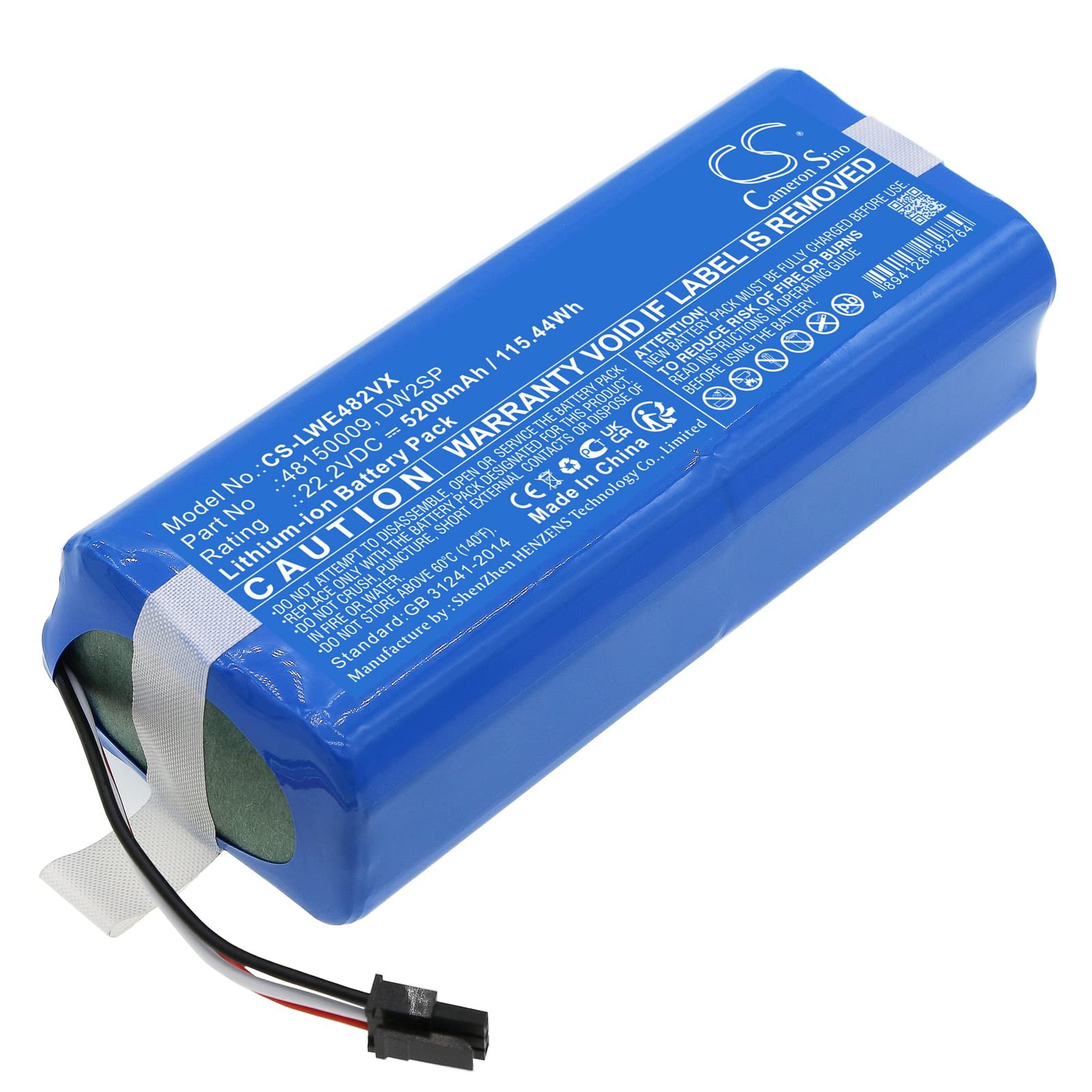
Signs your robot mower battery is wearing out
Battery decline is gradual, so it’s easy to miss until the mower stops keeping up. Watch for these:
- Shorter run times. The mower returns to the dock noticeably sooner than it did when new.
- More trips to the charger. It needs extra charging cycles to finish the same lawn.
- Stopping mid-lawn. It dies out in the yard with an empty battery, sometimes with no error message at all.
- Unfinished schedules. Areas that used to get cut every week now get skipped.
- Battery or charging errors in the app. Many mowers report battery health or cell faults directly.
- Physical warning signs. Swelling, a bulging housing, leaking, or a pack that gets hot to the touch. Stop using the mower and replace the battery right away if you see any of these.
Before you buy a new battery, rule out the easy causes. Dirty charging contacts, a loose station cable, or a dock that isn’t level can all mimic a dying battery. Our guide to the most common robot mower problems and solutions walks through charging and docking issues that are worth checking first.
What does a replacement battery cost?
Prices vary widely by brand and capacity. As a general guide, small entry-level and wired mowers often take packs that cost under $100, while large-capacity batteries for wire-free, RTK or all-wheel-drive models can run a few hundred dollars. Even at the high end, that’s a small fraction of the cost of a new mower, which is why replacing the battery is almost always the smarter move when the rest of the machine is in good shape.
Check the manufacturer’s parts store or an authorized dealer first for current pricing, and confirm the exact part number for your model before ordering. If you’d rather compare options side by side, you can shop robot mower replacement batteries on Amazon. Search by your mower’s exact model number and check the listing’s compatibility notes before you buy.
OEM vs. aftermarket batteries
Third-party packs are tempting because they’re often cheaper, but there are real trade-offs:
- OEM (manufacturer) batteries are built to talk to your mower’s battery-management system, keep your warranty intact, and match the original capacity and safety certifications.
- Aftermarket batteries can work well, but quality varies. Some report charge levels incorrectly, trigger error codes, or lack the protection circuitry of the original. A failed lithium pack is a fire risk, not just an inconvenience.
If you go aftermarket, match the voltage, chemistry, connector and physical size exactly, buy from a seller with a clear return policy, and look for recognized safety certifications. If your mower is still under warranty, stick with the manufacturer’s battery.
How to replace a robot mower battery
Every model is a little different, so keep your owner’s manual handy. The general process looks like this:
- Power down completely. Switch the mower off with the main power switch, not just the stop button, and remove it from the charging station.
- Protect your hands from the blades. Wear work gloves before flipping or handling the mower.
- Turn the mower over onto a soft surface. A folded towel or piece of cardboard keeps the body shell from getting scratched.
- Remove the battery cover. On most models it’s on the underside and held by a handful of Torx or Phillips screws.
- Unplug the old battery. Grip the connector itself, not the wires, and release any clip before pulling.
- Install the new battery. Seat it the same way the old one sat, connect the plug firmly, and route the wires so they won’t get pinched.
- Check the seal. Make sure the cover gasket is clean and in place so water stays out, then reinstall the screws without over-tightening.
- Charge fully before mowing. Put the mower back on the station and let it complete a full charge. Some apps also ask you to confirm the new battery or run a check.
On many mowers the whole job takes 10 to 20 minutes. Take your old battery to a battery recycling drop-off or a retailer that accepts lithium-ion batteries. Don’t put it in household trash.
Replacing the battery on popular robot mower brands
The basic process is similar across brands, but where the battery sits, how easy it is to reach, and where you buy a new one varies. Here’s what to expect from the brands we hear about most. Always confirm the steps and part number in your model’s manual, since designs change between generations.
Mammotion (LUBA and YUKA)
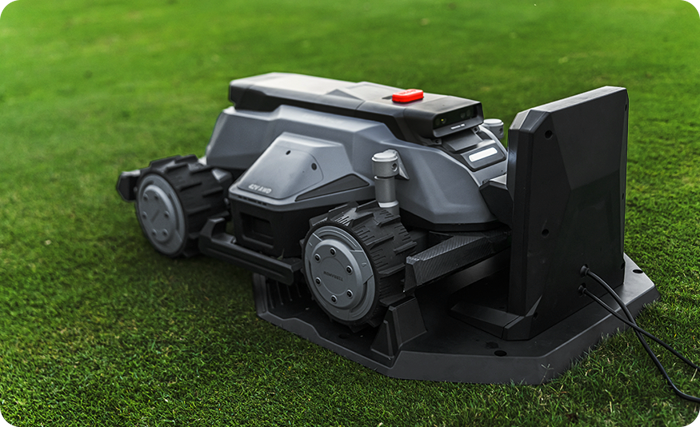
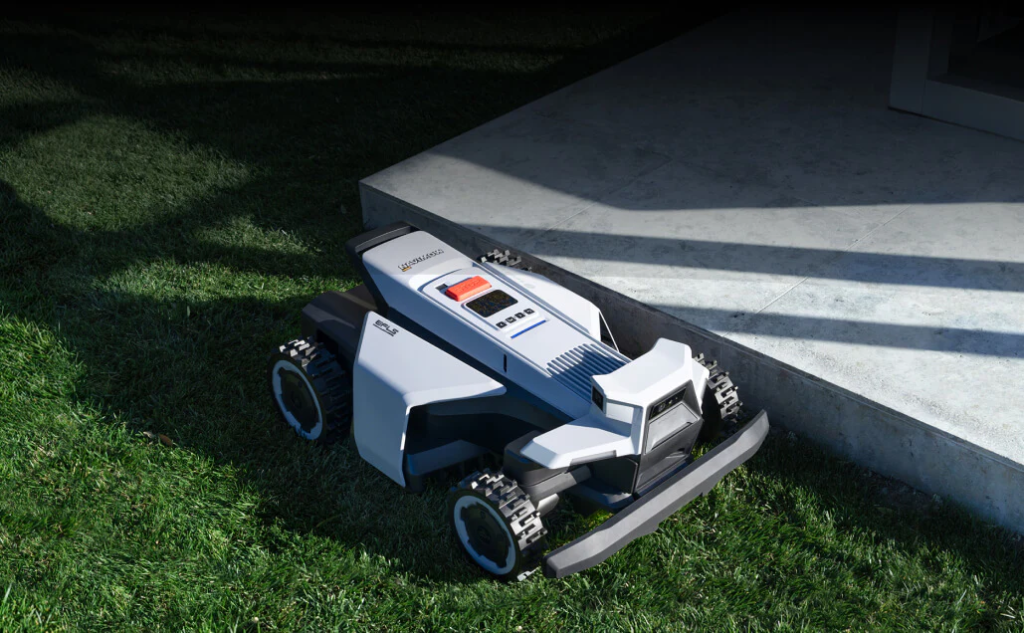
Mammotion sells replacement lithium packs for its mowers, including modular batteries for compact models like the LUBA mini and YUKA mini that are designed to be removed and installed by the owner. Larger AWD LUBA models carry bigger, more expensive packs. Buy from Mammotion or an authorized retailer and match the pack to your exact model, because LUBA, LUBA 2, LUBA 3, mini and YUKA batteries aren’t interchangeable. Mammotion also recommends fully charging the mower before winter storage, which goes a long way toward stretching battery life.
Segway Navimow
Navimow offers official replacement battery packs. For example, a 5,200 mAh pack is sold for the H-series (H500, H800, H500E and H800E), and the battery cover is also available as a separate part if yours gets damaged. On most Navimow models the pack sits under a cover on the underside, so the swap follows the standard steps above. Newer i-series and X-series mowers use different packs, so double-check compatibility, and contact Navimow support if your mower is still under warranty.
Worx Landroid
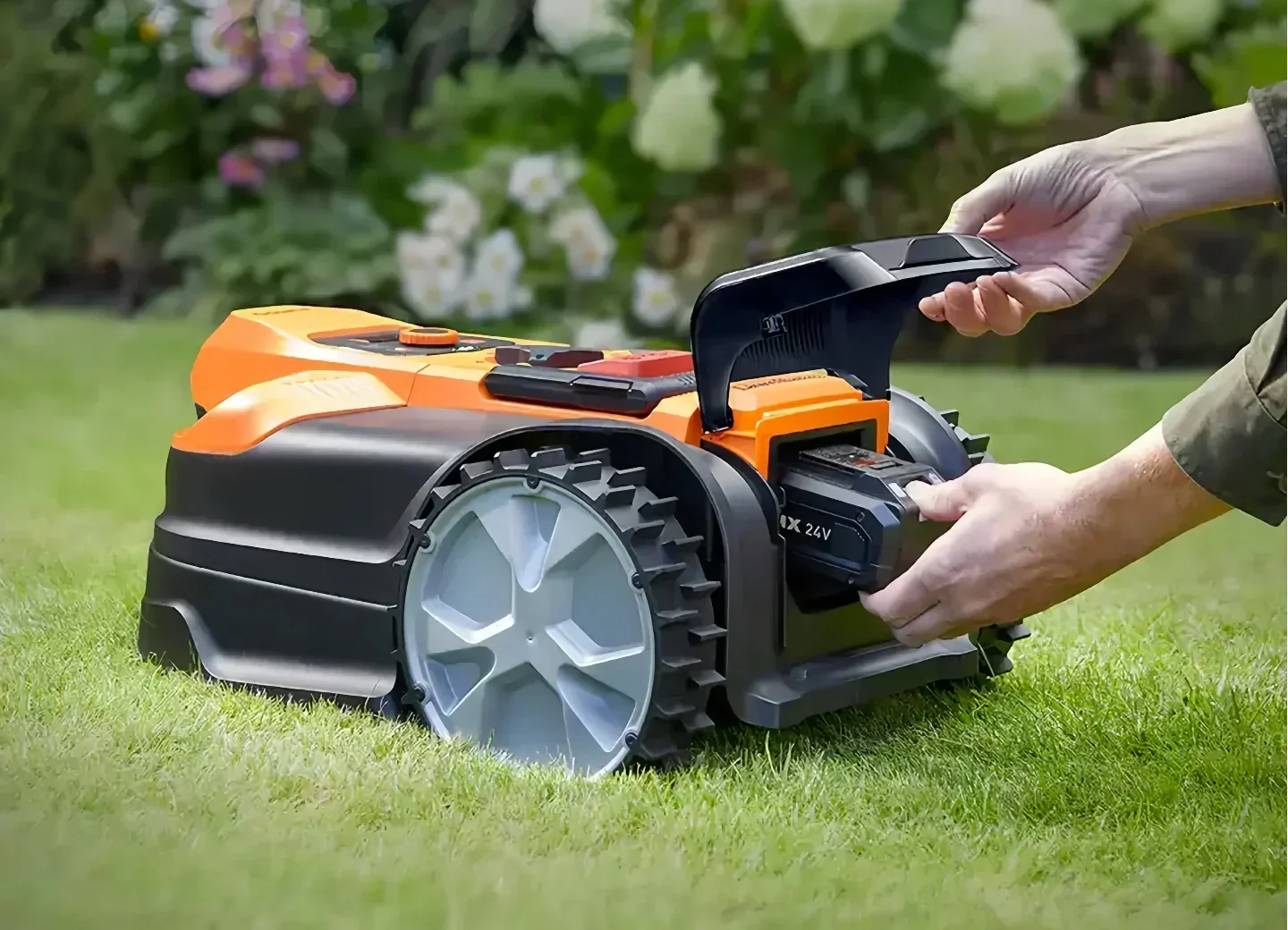
Worx Landroid is the easiest robot mower to re-battery. Recent Landroid models run on the Worx 20V PowerShare battery platform, the same packs used by Worx cordless tools. Worx says any battery in that range is compatible with Landroid, and a higher amp-hour pack can improve run time. If you already own Worx tools, you may have a spare battery sitting in the garage. Older Landroid models used a dedicated internal pack, so check your model before buying.
Husqvarna Automower
Husqvarna estimates Automower batteries last about two to five years and recommends using genuine Husqvarna batteries. Its support guidance points owners to a Husqvarna dealer for battery replacement, so if your Automower is under warranty or you’d rather not open it up, the dealer route is the safe bet. Many out-of-warranty owners do swap the pack themselves using the steps above.
Ecovacs GOAT
Replacement batteries for GOAT models, such as the G1, are available from Ecovacs and third-party battery suppliers. Because GOAT mowers rely on cameras and sensors for navigation, take care not to disturb wiring or seals when you open the housing, and stick with a pack that exactly matches the original part number.
Other brands (Lymow, Sunseeker, Gardena, Anthbot, TerraMow and more)
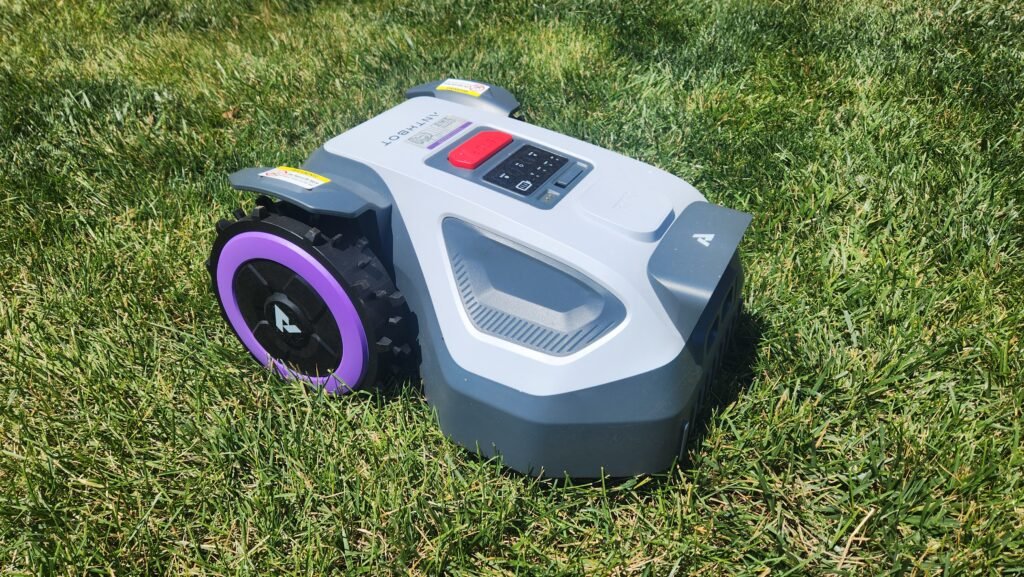
Most other brands follow the same pattern: a sealed lithium-ion pack under a screwed-down cover. Start with the manufacturer’s parts store or support team, which will confirm the right part and whether a DIY swap affects your warranty. For older or discontinued models where the original pack is hard to find, a well-reviewed compatible replacement battery can keep a good mower running for years.
When to let a dealer handle it
DIY is the norm, but a professional swap makes sense when:
- Your mower is under warranty and the manufacturer requires authorized service.
- The battery sits deep inside the chassis and requires removing the body shell or motor assemblies.
- The battery is swollen, damaged, or leaking.
- The mower still underperforms after a new battery, which points to a motor, charging board or docking problem.
Make your next battery last longer
A new battery is a good moment to reset some habits:
- Set a schedule that matches how fast your grass actually grows instead of mowing every day by default.
- Keep the charging station in shade if you can.
- Clean the deck, wheels and charging contacts regularly, and replace blades on schedule.
- Before winter, fully charge the battery and store the mower somewhere dry and frost-free.
For a deeper look at charging habits, seasonal care and storage, read our robot mower battery maintenance guide.
Battery or new mower?
If your mower is only a few years old and everything else works, replace the battery. It’s the cheapest way to get like-new run time back. If the mower is old, uses a boundary wire you’re tired of repairing, and also needs blades, wheels or a new charging station, the math may tip toward an upgrade. Wire-free models with RTK and vision navigation have improved a lot. Our robot lawn mower buying guide can help you decide whether it’s time.
Frequently asked questions
Can I use a bigger battery for longer run time?
Only if the manufacturer offers a higher-capacity option for your exact model. Fitting an unapproved pack can confuse the mower’s battery management, cause errors, or create a safety risk.
Will replacing the battery void my warranty?
Using an OEM battery installed per the manual usually won’t. Aftermarket batteries or damage caused during installation may. Check your warranty terms before you open the mower.
Do I need to reprogram the mower after a battery swap?
Usually not. Maps, schedules and boundary settings are stored in the mower’s memory, not the battery. Some models may ask you to re-enter a PIN or reconnect to the app after power has been fully disconnected.
Is a robot mower battery the same as a cordless tool battery?
Most robot mowers use an internal, model-specific pack. A few brands build their mowers around a shared cordless tool battery platform, which makes replacement as simple as swapping in another pack from the same system.