
Updated September 2026: I’ve refreshed this review with Jobber’s current plans and pricing, its newer AI and add-on features, a pros and cons list, and the alternatives worth comparing. My original six-month impressions are still below.
Let’s be real: once you get past a dozen customers or so, a lawn care business gets hard to manage. Scheduling and billing in particular can get overwhelming fast. Luckily, there are good software options like Jobber that take a lot of that work off your plate.
I wrote this review after my first six months running my lawn care business on Jobber, covering what I liked and what I didn’t. Here’s that review, updated with everything that’s changed since.
Quick Verdict
- Best for: Solo operators and small lawn crews (1–15 people) who want scheduling, quoting, invoicing, and payments in one easy app.
- Starting price: $49/month on the Core plan, or $29/month if you pay annually.
- Free trial: 14 days of the Grow plan, no credit card required.
- Biggest strength: It’s easy to use. I never had to read a manual.
- Biggest drawback: The price climbs as your crew grows, and some features are now paid add-ons.

Why Jobber Became My Favorite Lawn Care App
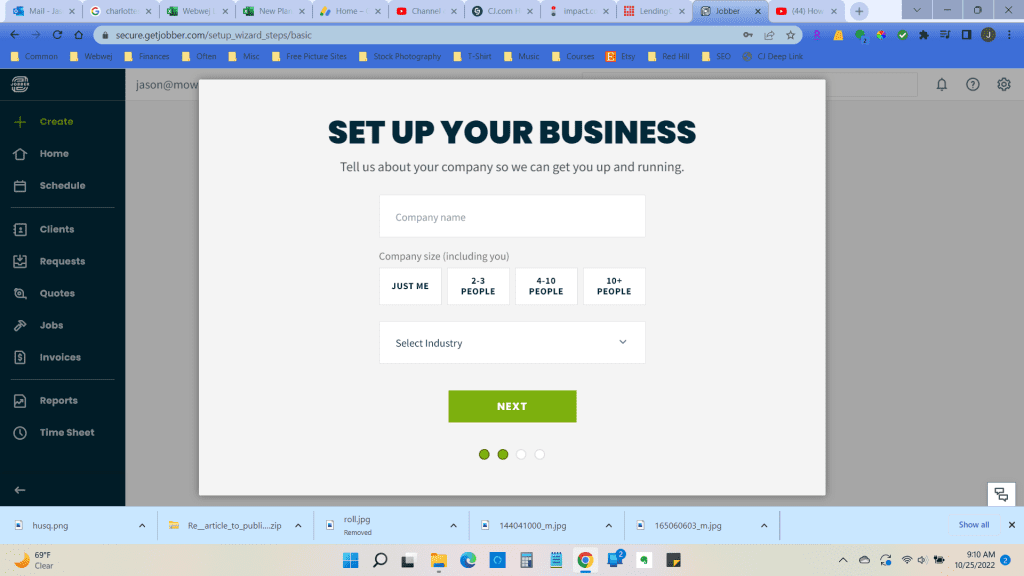
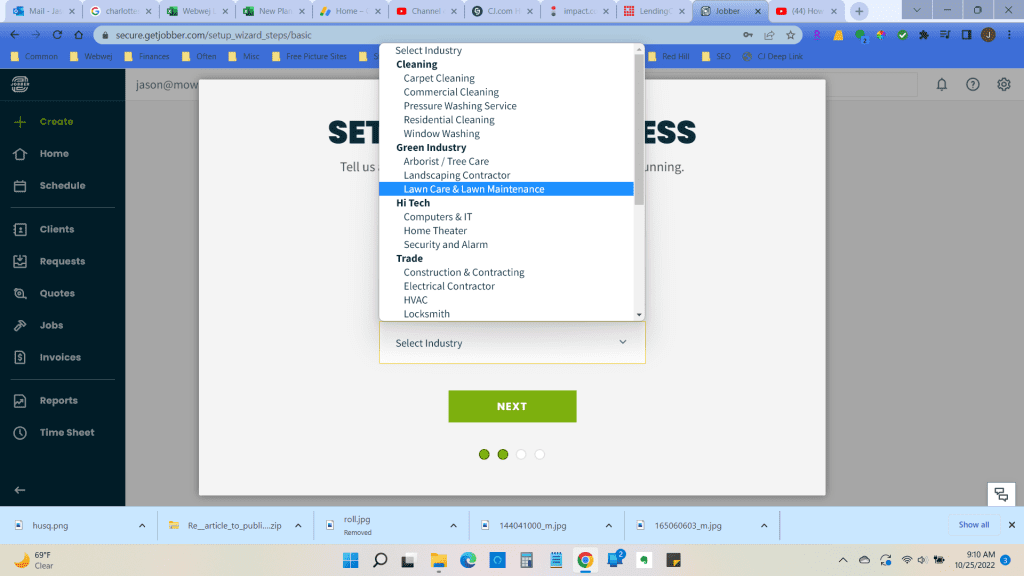
Jobber turned out to be the best software I’ve used for staying organized. Before it, I used Yardbook and Service Autopilot. I like Jobber best because it’s so user-friendly and intuitive. I never had to read a manual or contact support. It was just easy to figure out.
Jobber was started in 2011 by two software developers and a painter who wanted to help small service businesses run more efficiently. That background shows. It’s built for people who spend their day in the field, not behind a desk.
Stay Organized with the CRM
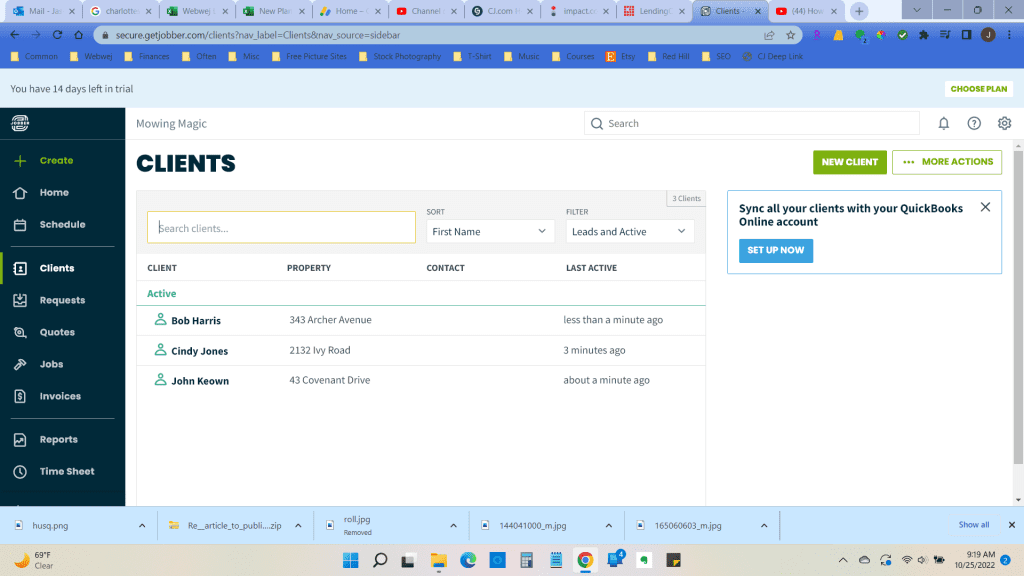
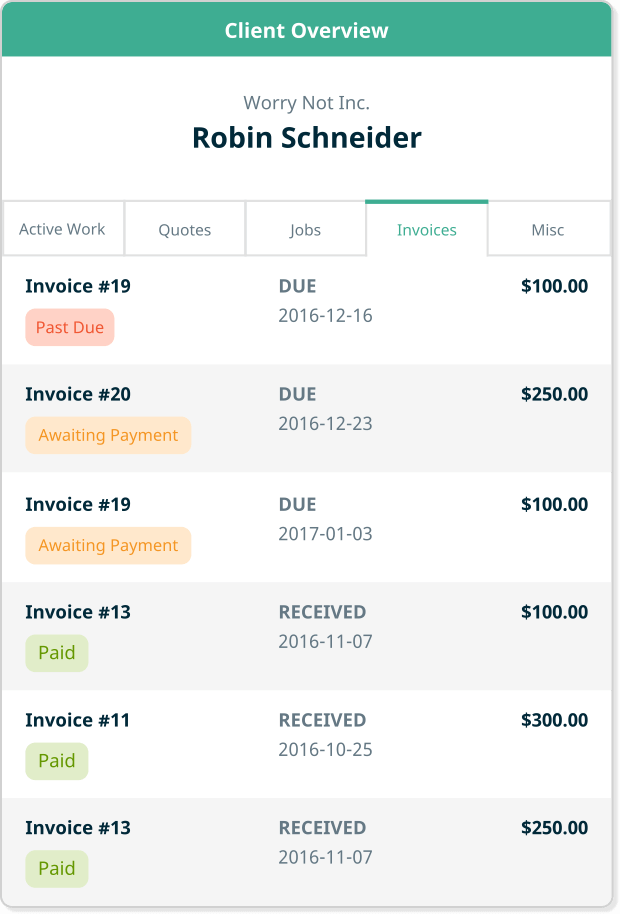
Jobber’s customer relationship management (CRM) features let you pull up any client and see their full history: past services, quotes, invoices, and billing. If you or a customer has a question about a bill or payment, you can find the answer in seconds. You can also add notes to each client, such as gate codes, dog warnings, or “don’t mow the back corner.” That’s incredibly useful when you’re managing dozens of properties.
Scheduling and Dispatching
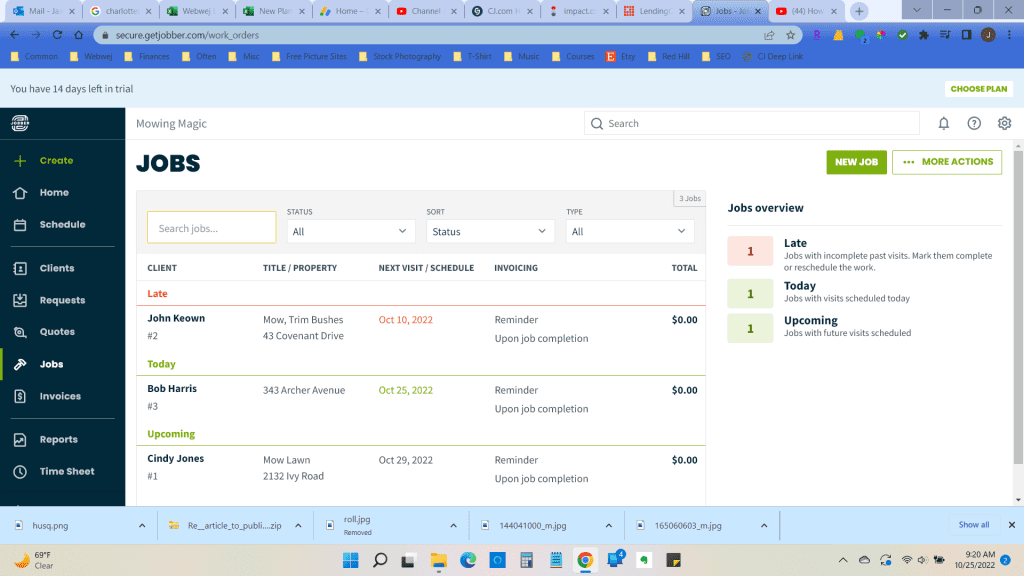
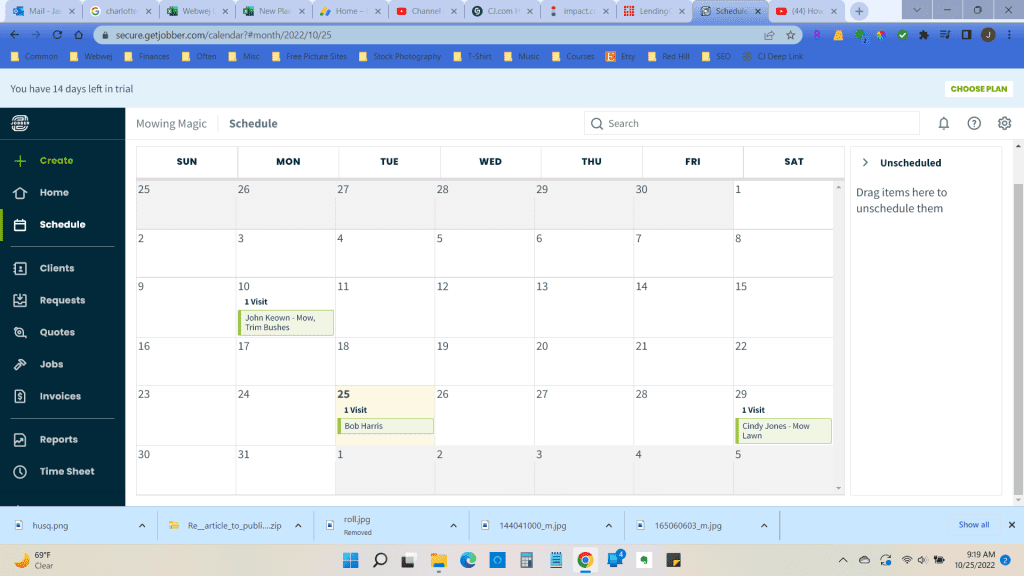
Jobber makes scheduling and dispatching much simpler. You can schedule jobs, visits, admin tasks, meetings, and quote assessments, and color-code them if you like. My favorite feature for lawn care is bulk scheduling. When rain wipes out a day, you can move visits for a whole list of clients in a few seconds instead of rescheduling them one by one.
Dispatching crews is a big part of running a lawn business, so it helps to see where every crew is supposed to be at any time. Jobber can also send customers an “on my way” text when a crew heads out, and customers can book work directly from your website.

Quoting, Invoicing, and Getting Paid
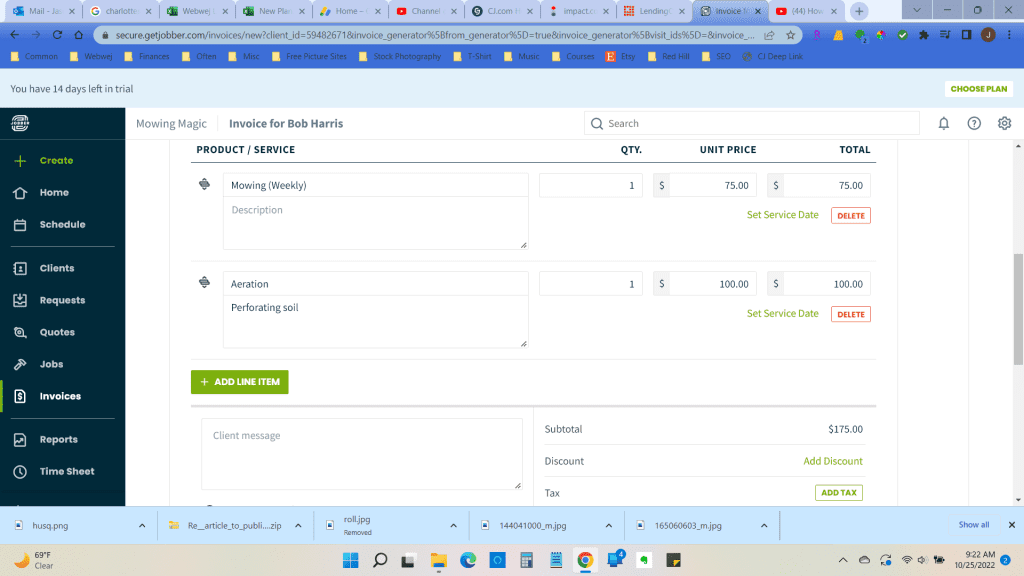
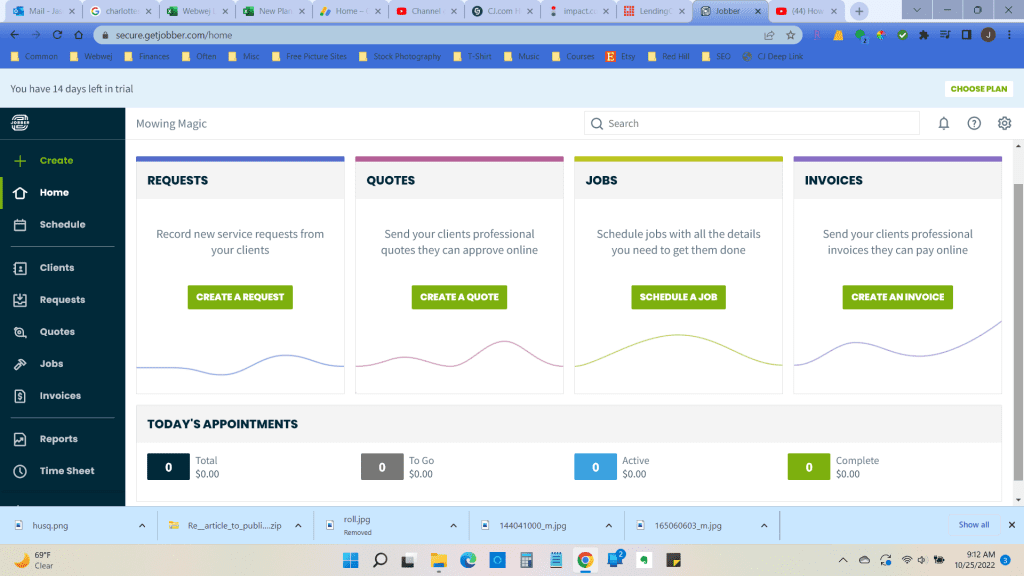
With Jobber, you can create and send invoices one at a time or in batches, and it tracks what’s been paid. It also handles automatic payments and sends invoice reminders, so you spend less time chasing money and more time growing your customer base.
Jobber also sets up a “client hub” for your customers. It’s a portal where they can see appointments, payment details, and receipts, request more work, and approve quotes or invoices with an electronic signature. It makes things simpler for you and for them.
Reporting: Time and Expense Analysis
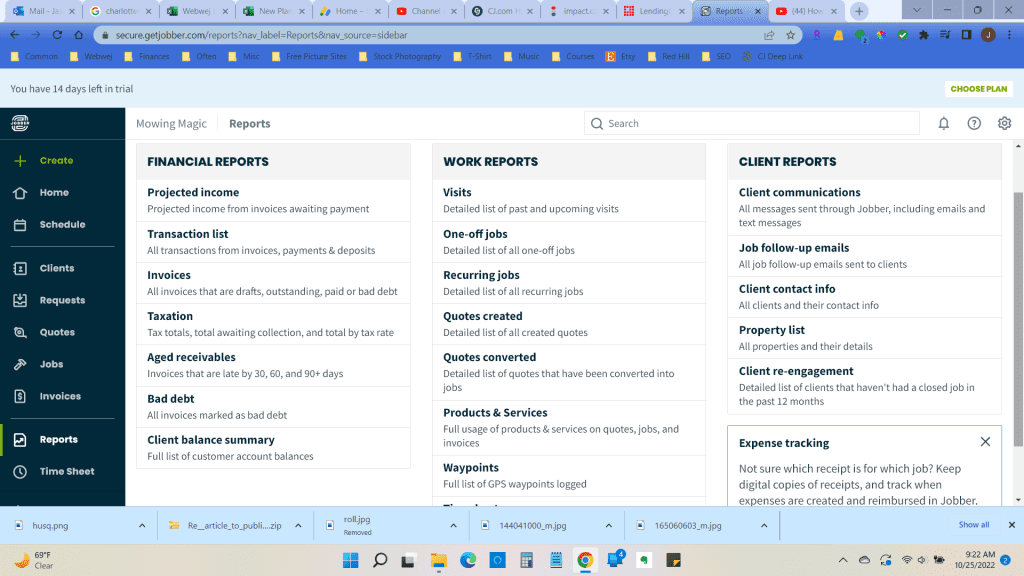
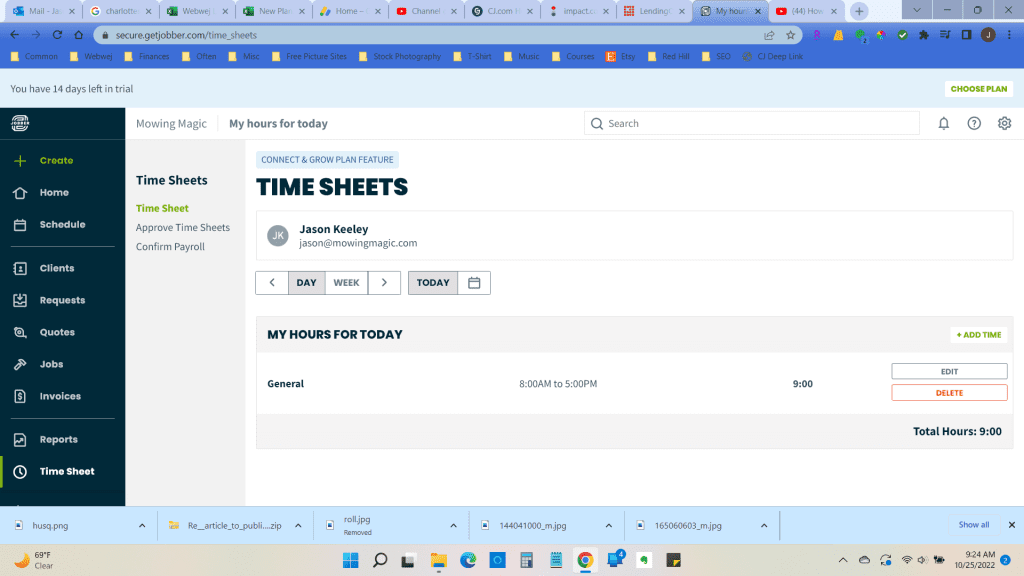
One of Jobber’s most useful features is reporting. Real-time financial reports show your projected revenue and payments. Other reports show what you and your crew spend the most time on, so you can cut the low-value work and focus on what makes money. These reports taught me a lot about what was and wasn’t working in my business, and some of the results surprised me.
What’s New in Jobber for 2026
Jobber has added a lot since I wrote my original review. The biggest additions for lawn care businesses are:
- Jobber AI: You can ask questions about your business data and have it build custom reports. It can also polish the wording on your quotes so they read more professionally.
- Home Depot pricing in quotes: Pull current prices and local store availability for materials directly into your quotes. That’s handy if you also do landscaping or hardscaping jobs.
- Bigger integrations library: Jobber syncs with QuickBooks Online and Xero, and connects to thousands of other apps for marketing and automation.
- Paid add-ons: Marketing Suite, an AI Receptionist, and a sales Pipeline tool are now sold separately on the lower plans and included on Plus.
Jobber Pricing (2026)
When I first reviewed Jobber, plans started at $49/month. The entry price is about the same today, but the plan lineup has changed. Here are Jobber’s month-to-month prices as of September 2026:
| Plan | Monthly price | Best for |
|---|---|---|
| Core | $49/mo (1 user), or $29/mo billed annually | Solo operators just getting started |
| Connect | $139/mo solo, $199/mo for up to 5 users | Small crews that want online booking, reminders, and QuickBooks sync |
| Grow | $199/mo solo, $399/mo for up to 10 users | Growing businesses that want job costing, upsells, and two-way texting |
| Plus | Up to $699/mo for 15 users | Larger or multi-crew operations, with add-ons included |
On Core, Connect, and Grow, add-ons cost extra: Marketing Suite is $99/month, Receptionist is $29/month, and Pipeline is $49/month. Card and ACH payments also carry processing fees, so factor those in if most of your customers pay by card.
My advice: if you’re a one-person mowing operation, Core is plenty. Once you add a crew or want online booking and automatic reminders, Connect is the sweet spot. For what Jobber saves me in admin time, it has been well worth the cost, and I love being able to run the whole business from my phone.
Jobber Pros and Cons
Pros
- Very easy to learn. You can be up and running in an afternoon.
- Bulk rescheduling is a lifesaver on rain days.
- Client hub, online quote approvals, and automatic payments cut down on back-and-forth.
- Strong mobile app, so you can run the business from the truck.
- Well-reviewed support team.
Cons
- Costs rise quickly as you add users and move up plans.
- Marketing, receptionist, and pipeline tools are now paid add-ons below the Plus plan.
- Seasonal lawn businesses keep paying through the slow winter months unless they downgrade.
- Payment processing fees add up if most customers pay by card.
What Other Users Say
Jobber holds a 4.6 out of 5 rating on G2 from hundreds of reviews, mostly from small businesses. Reviewers consistently praise its ease of use, scheduling tools, and customer support. The most common complaints are about the price jumps between plans and credit card processing fees. You can also read user reviews on Trustpilot.
Jobber Alternatives Worth Considering
Jobber is still my favorite, but it isn’t the right fit for everyone. If price is your main concern, or you want something more lawn-specific, check out my QuoteIQ review and my head-to-head Jobber vs QuoteIQ comparison. Housecall Pro is another strong all-in-one option. For a full side-by-side of every major platform, see my field service management software guide for lawn care businesses.
Jobber FAQ
How much does Jobber cost for a lawn care business?
Jobber starts at $49/month for one user on the Core plan, or $29/month billed annually. Most small lawn crews end up on Connect, which is $199/month for up to five users. Add-ons and payment processing fees are extra.
Does Jobber have a free trial?
Yes. Jobber offers a 14-day free trial with full access to the Grow plan, and no credit card is required.
Is Jobber good for a solo lawn care operator?
Yes. The Core plan covers quoting, scheduling, invoicing, online payments, and basic reporting for one user. That’s all most solo mowing businesses need, and you can upgrade as you add crew members.
Does Jobber work with QuickBooks?
Yes. Jobber syncs with QuickBooks Online and Xero, so you can keep your accounting where it is while Jobber runs your day-to-day operations.