
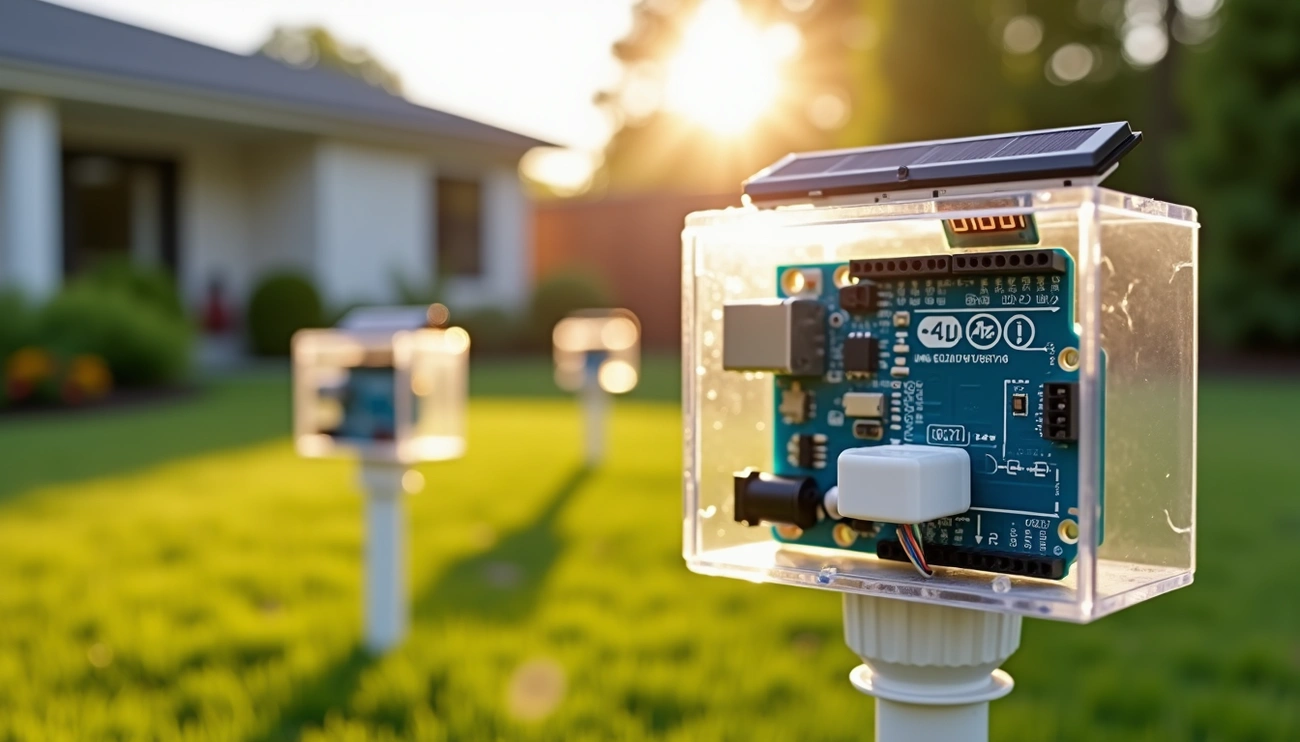
DIY Arduino Temperature Sensor Network temperature and humidity sensors have substantially changed our approach to lawn and garden care over the last several years. The combination of Internet of Things (IoT) and wireless sensor networks lets us monitor and manage outdoor spaces with amazing precision. Smart irrigation systems have proven valuable to me, and they let us control water usage right from our computers or smartphones.
Your lawn monitoring setup can use several wireless options. A wifi humidity sensor network connects multiple devices at once – tablets, computers, and smartphones – and Wi-Fi 6.0’s theoretical data rates reach up to 9.6 Gbps. LPWAN provides a budget-friendly solution for long-distance communication that suits larger properties perfectly. This piece walks you through component selection, Arduino temperature and humidity sensor code writing, and LCD integration for local readings. You’ll end up with a system that watches soil conditions around the clock and helps maintain a healthier lawn while saving water.
Choosing the Right Wireless Technology for Your Lawn

The right wireless technology for your lawn DIY Arduino Temperature Sensor Network depends on balancing three key factors: range, power consumption, and data rate. You can’t get the best of all three at once – making one better usually means another has to give.
Understanding range, power, and data rate trade-offs
Physics sets clear limits on wireless network design. LoRaWAN can transmit data over impressive distances while using very little energy, but data rates stay quite low. Wi-Fi, on the other hand, gives you high data rates but eats up power and won’t reach as far. This balance matters a lot for battery-powered lawn sensors that need to run on their own for months or years.
Range and data rate usually work against each other – faster speeds mean shorter distances. A 3dB power increase nearly doubles energy consumption per transmission when you try to boost the range.
Wi-Fi vs LoRa vs Bluetooth: What works best for lawns?
Each technology brings its own benefits to lawn monitoring:
- Wi-Fi: Reaches 50-100m indoors and up to 300m outdoors. Great for data-heavy tasks with speeds up to several Gbps. Works well in smaller lawns where you have power sources nearby and want up-to-the-minute monitoring through your existing network.
- LoRa: Reaches 15km in rural areas and 5km in urban environments. Uses very little power but stays limited to 0.3-50 kbps data rates. Great choice for big properties where sensors sit far from collection points.
- Bluetooth (BLE): Works within 10-100m. Battery life lasts so long it’s perfect for sensors running on batteries, but you need receivers or smartphones close by to collect data.
When to use LPWAN for outdoor sensor networks
LPWAN technologies like LoRaWAN shine in lawn monitoring with sensors spread across big areas. These networks handle dense vegetation better than regular wireless networks, which struggle with longer distances.
LPWAN lets one datalogger handle multiple measurement spots, which saves money and keeps things simple. Batteries can last over 10 years, so you can put sensors in remote parts of your lawn without worrying about constant maintenance.
My experience shows LoRaWAN hits the sweet spot between range and power efficiency for Arduino temperature and humidity sensor networks on larger properties. Just remember to tweak your Arduino temperature and humidity sensor code since data moves more slowly.
Essential Components for a DIY Arduino Sensor Network
Building a reliable Arduino sensor network needs the right mix of compatible components. Let me walk you through what you need to build a lawn monitoring system that works.
Arduino board selection: Uno, Nano, or ESP8266?
The Arduino UNO runs on 5V logic with 32KB of flash memory and 2KB of RAM. This makes it perfect for beginners and basic projects. The NodeMCU ESP8266 is my top pick for lawn monitoring. It comes with built-in Wi-Fi and packs more processing power with a 160MHz clock speed (the UNO only has 16MHz). You’ll get 4MB of flash memory with the ESP8266 compared to UNO’s 32KB. This gives you plenty of room for sensor code.
The Arduino Nano might be your best bet if space is tight. It works just like the UNO in a smaller package, but you won’t get wireless features built-in.
Recommended temperature and humidity sensors
DHT sensors are great for lawn monitoring because they’re affordable and don’t use much power. The DHT22 reads temperatures from -40°C to 80°C with ±0.5°C accuracy. It also measures humidity from 0-99% with ±2% accuracy. The BME280 is worth looking at if you need better precision. It measures atmospheric pressure too, which helps predict weather changes that affect your watering schedule.
The DS18B20 temperature sensor shines in soil monitoring. It comes in waterproof versions and uses unique 64-bit serial codes. This lets you hook up multiple sensors to a single data line.
Using a WiFi humidity sensor for immediate updates
Smart Soil Moisture Meter and similar WiFi sensors can send soil condition data straight to your phone. These devices usually connect through apps like Smart Life or Tuya Smart. You can set moisture limits and get alerts when your lawn needs water.
Power supply options: solar, battery, or USB
Solar power is an eco-friendly choice for outdoor setups. A small solar panel plus rechargeable batteries keeps your system running on its own. Regular AA batteries work great too, especially for low-power setups. The ESP8266 uses just 0.5μA in sleep mode.
A regulated 5V USB supply is your most reliable option if you have power outlets nearby. Just make sure you weatherproof everything properly.
Step-by-Step Build: Arduino Temperature and Humidity Sensor
Let’s build a simple temperature and humidity monitoring station for your lawn with our selected components.
Wiring the sensor to the Arduino
Your DHT11 or DHT22 sensor needs a proper connection to the Arduino. A standard 3-pin DHT module requires these connections:
- The signal pin connects to Arduino digital pin 7 (or any digital pin)
- The VCC pin connects to Arduino’s 5V output
- The ground pin connects to Arduino’s GND
A 4-pin DHT sensor works best with a 10K pull-up resistor between the data and VCC pins, which ensures reliable readings.
Uploading the Arduino temperature and humidity sensor code
The DHT library is essential for this project. Navigate to Sketch → Include Library → Add .ZIP Library in Arduino IDE and select the DHT library file. Here’s a simple code snippet:
#include <dht.h>
dht DHT;
#define DHT11_PIN 7
void setup() {
  Serial.begin(9600);
void loop() {
  int chk = DHT.read11(DHT11_PIN);
  Serial.print("Temperature = ");
  Serial.println(DHT.temperature);
  Serial.print("Humidity = ");
  Serial.println(DHT.humidity);
  delay(1000);
Testing sensor output with the serial monitor
The Serial Monitor helps verify your setup. Click the magnifying glass icon in the upper right corner after uploading the code. Make sure the baud rate matches 9600. Temperature and humidity values should refresh every second.
Connection issues or incorrect wiring might show “Failed to read from DHT sensor!” or “nan”. You might need to check the connections or remove the pull-up resistor, as some modules perform better without it.
Adding an LCD for local readings
Local monitoring requires a 16×2 LCD with these connections:
- RS pin connects to Arduino pin 2
- Enable the pin to connect to Arduino pin 3
- D4-D7 pins connect to Arduino pins 4-7
- LCD’s VCC connects to 5V
- LCD’s GND connects to ground
Arduino temperature and humidity sensor with LCD: setup tips
Your setup works best with readings every 2 seconds since DHT sensors have sampling limitations. Outdoor installations need weatherproof connections. A 20×4 LCD display allows you to show additional data like heat index along with temperature and humidity readings.
Expanding Your Network for Full Lawn Coverage
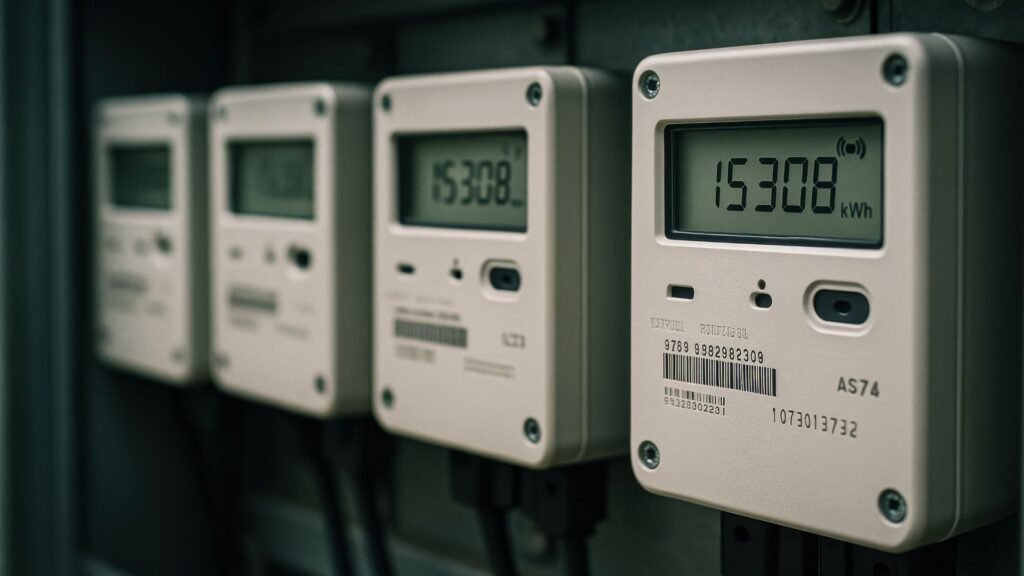
A single Arduino temperature and humidity sensor isn’t enough to monitor your entire lawn properly. You’ll need a detailed monitoring system with multiple sensors placed strategically.
Placing multiple sensors across zones
Your lawn needs distinct zones based on soil composition, sunlight exposure, and drainage patterns to get the best coverage. Expert recommendations suggest that installing sensors at both high and low areas helps track important moisture variations in your yard. Multiple Arduino temperature and humidity sensors spread throughout your yard work better than one expensive sensor to measure microclimate differences. A typical 1,200 square foot lawn needs two sensors placed diagonally at opposite corners to get balanced readings.
Using mesh or repeater nodes for better range
Mesh networking becomes a great way to get better coverage when sensors are placed far apart. ESP-Mesh networks let nodes connect to their neighbors at the same time and relay data without a central node. This extends coverage substantially and creates backup paths—data still reaches its destination even if one node stops working. Another option is a relay node that works only when needed, which saves battery life during quiet periods. Repeater nodes work best on devices with constant power since they drain batteries quickly when listening continuously.
Data logging and cloud integration options
Local storage on SD cards in CSV format helps analyze data later. Wireless data transfer to servers allows immediate monitoring through websites and mobile applications. Most systems send updates to databases every 5-30 minutes. Arduino IoT Cloud or platforms like Node Red running on a cloud server offer smooth integration options.
Conclusion
A DIY Arduino temperature sensor network can turn basic lawn care into a streamlined, data-backed process. This piece explores how Wi-Fi, LoRa, and Bluetooth wireless technologies serve different purposes depending on your property size and power needs.
Choosing the right components makes a huge difference. ESP8266 boards are the best choice for most lawn setups because they combine processing power with built-in wireless capabilities. These boards, paired with accurate sensors like the DHT22 or waterproof DS18B20, are the foundations of a reliable monitoring system.
The hardware setup is straightforward. You need to connect a few wires, upload basic code, and test your readings with minimal technical know-how. Adding an LCD display definitely boosts functionality by showing immediate feedback without checking your phone or computer.
This system really shines when you go beyond a single sensor. Multiple strategically placed nodes create a complete picture of your lawn’s conditions. Your network helps identify microclimates and target specific areas that need attention instead of treating the whole yard the same way.
The data collection features help improve your lawn’s health over the long term. You’ll spot patterns between temperature, humidity, and your lawn’s appearance as time passes. This knowledge streamlines processes with targeted watering, less resource waste, and a healthier lawn that stands out in your neighborhood.
Commercial systems are available, but our DIY approach gives you more customization options, room to expand, and costs much less. You’ll end up with a smarter lawn and learn valuable skills about electronics, programming, and environmental monitoring along the way.